
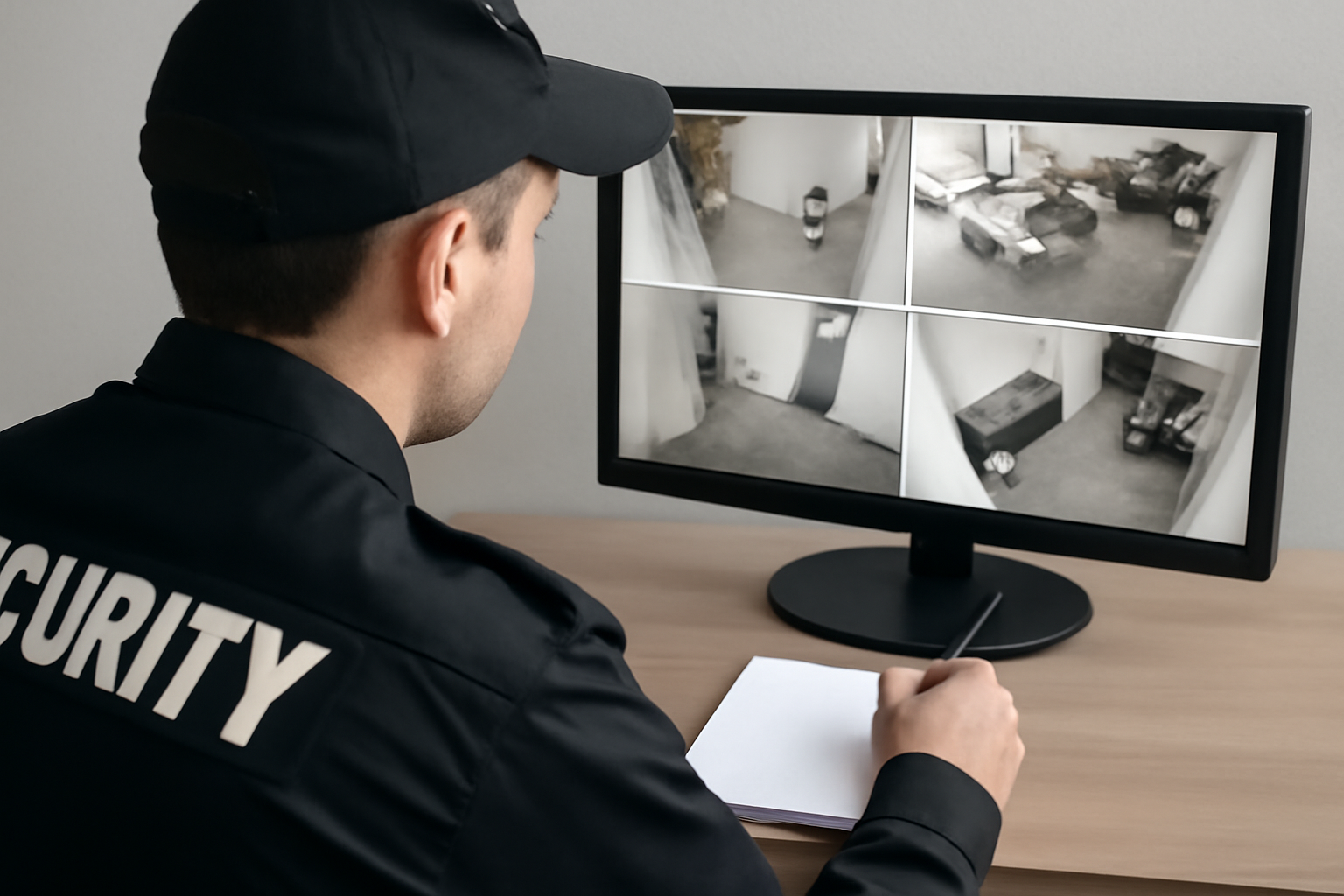
Recording and Evidence Handling
As a security guard, part of your job is to watch, record, and report. Surveillance cameras help you do that. But what happens when footage becomes evidence? You need to know how to handle it right. This guide gives you the steps.
Why Proper Handling Matters
Surveillance footage can help solve crimes, prove incidents, and protect you from false claims. But if you don’t handle it right, it might not be useful. Poor handling can lead to lost files, tampered evidence, or legal issues. That’s why you must follow site policy and local law.
Shift Checklist: Surveillance and Evidence
- ✓ Check all cameras are working at shift start
- ✓ Know where footage is saved (cloud, DVR, etc.)
- ✓ Log any events with time and camera number
- ✓ Don’t delete or overwrite footage without approval
- ✓ Use gloves when handling physical media (USB, DVDs)
- ✓ Store backup copies in secure, approved locations
- ✓ Report any camera damage or footage loss right away
Step-by-Step: Handling Recorded Evidence
- Spot the Event: When something happens — theft, trespass, fight — make a note. Include time, location, and camera number.
- Secure the Footage: Save the video clip. Don’t edit it. Don’t rename files unless your supervisor tells you to.
- Write a Report: Describe the event clearly. Include who, what, when, where, and how. Link your report to the footage by noting the file name and time stamp.
- Label and Store: If footage is saved to a USB or disc, label it with the date, time, and case number if available. Store it in a locked cabinet or according to site rules.
- Log the Chain of Custody: This means tracking who handled the evidence. Write down every handoff — who gave it, who took it, and when.
- Inform Your Supervisor: Let them know the footage is ready. They’ll decide who gets a copy or if police should be called.
Tips for Digital Evidence
- Use only approved software to view or save footage.
- Don’t share footage by text or email unless told to.
- Keep passwords private. Don’t let others log in under your name.
- Double-check that files saved fully and are not corrupted.
Quick Scenario: The Missing Backpack
You’re on shift and a tenant reports their backpack is missing. You check the footage and see someone take it in the lobby at 3:17 p.m. You:
- Save the clip from 3:15 to 3:20 p.m.
- Write a report with a description of the person and exact time.
- Label the footage file and store it in the evidence folder.
- Note in the logbook that video was saved and report filed.
- Tell your supervisor and wait for next steps.
By following these steps, you protect the evidence and yourself.
3-Question FAQ
1. Can I delete old footage to make space?
No. Only delete or overwrite footage if your supervisor tells you to and it follows site policy.
2. What if someone asks to see the footage?
Don’t show footage to anyone unless your supervisor approves it. Always follow your site’s privacy rules.
3. What if I make a mistake saving the video?
Tell your supervisor right away. It’s better to report mistakes early than to hide them.
Action Takeaway
Always treat surveillance footage like evidence. Handle it with care. Save it right. Write clear reports. And when in doubt, ask your supervisor. Safety and accuracy come first.

