
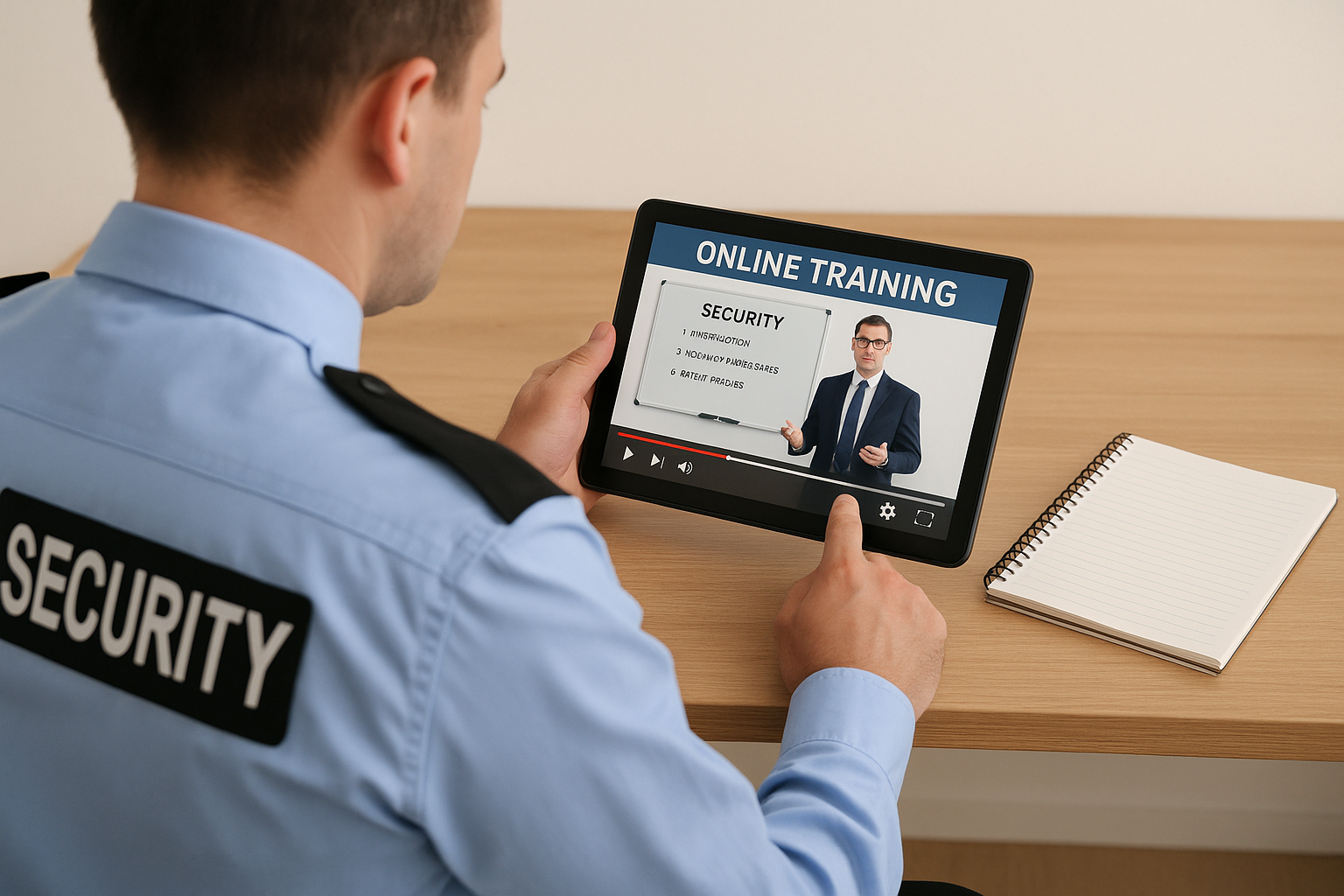
Benefits of Online Security Training
Online training is changing how security officers learn. It’s faster, more flexible, and fits your schedule. Whether you’re new or experienced, online learning helps you stay sharp and meet job demands.
Why Online Training Works
Traditional training often means sitting in a classroom for hours. That’s not always possible for working guards. Online training gives you the tools you need—when and where you need them.
- Anytime Access: Learn during downtime or between shifts.
- Self-Paced: Go faster or slower depending on your comfort level.
- Repeat Lessons: Watch again if you missed something.
- Track Progress: See what you’ve completed and what’s next.
What You Can Learn Online
Online courses cover a wide range of topics. Some focus on basic skills. Others dive into advanced tactics. Here’s what you might find:
- Report writing and incident logs
- De-escalation techniques
- Use of force policies (always follow site policy and local law)
- Emergency response procedures
- Customer service and communication
- Patrol strategies and observation tips
Shift Checklist
Use this checklist to make the most of your online training:
- Log in before or after your shift—or during breaks if allowed.
- Pick one short lesson (10–15 minutes) to complete.
- Take notes on what you learned.
- Think about how it applies to your site.
- Ask a supervisor if you have questions.
Quick Scenario
Situation: You’re posted at a hospital. A visitor becomes upset after being told they can’t enter a restricted area.
You remember: A recent online module on de-escalation. You stay calm, use open body language, and speak clearly. The visitor calms down and agrees to wait while you call a nurse.
Outcome: No incident report needed. Situation handled safely and professionally.
Top 3 FAQs
1. Do online courses count for required training hours?
Some do. Check with your company and follow site policy and local law.
2. What if I’m not good with computers?
Most platforms are simple. If you can use a phone, you can take online training. Ask a teammate for help if needed.
3. Can I use my phone for training?
Yes, many courses work on smartphones. Just make sure you have a good signal or Wi-Fi.
Why It Matters
Security work is always changing. Threats, policies, and tools update fast. Online training helps you stay ready. It also shows your employer that you care about doing the job right.
“Learning a little every day is better than cramming once a year.”
Take Action
Pick one online course today. Set a reminder to study during your next break. Share what you learn with your team. Training isn’t just for new hires—it’s for pros who want to stay sharp.
Online learning is your edge. Use it.

