
Surveillance Technology and Software
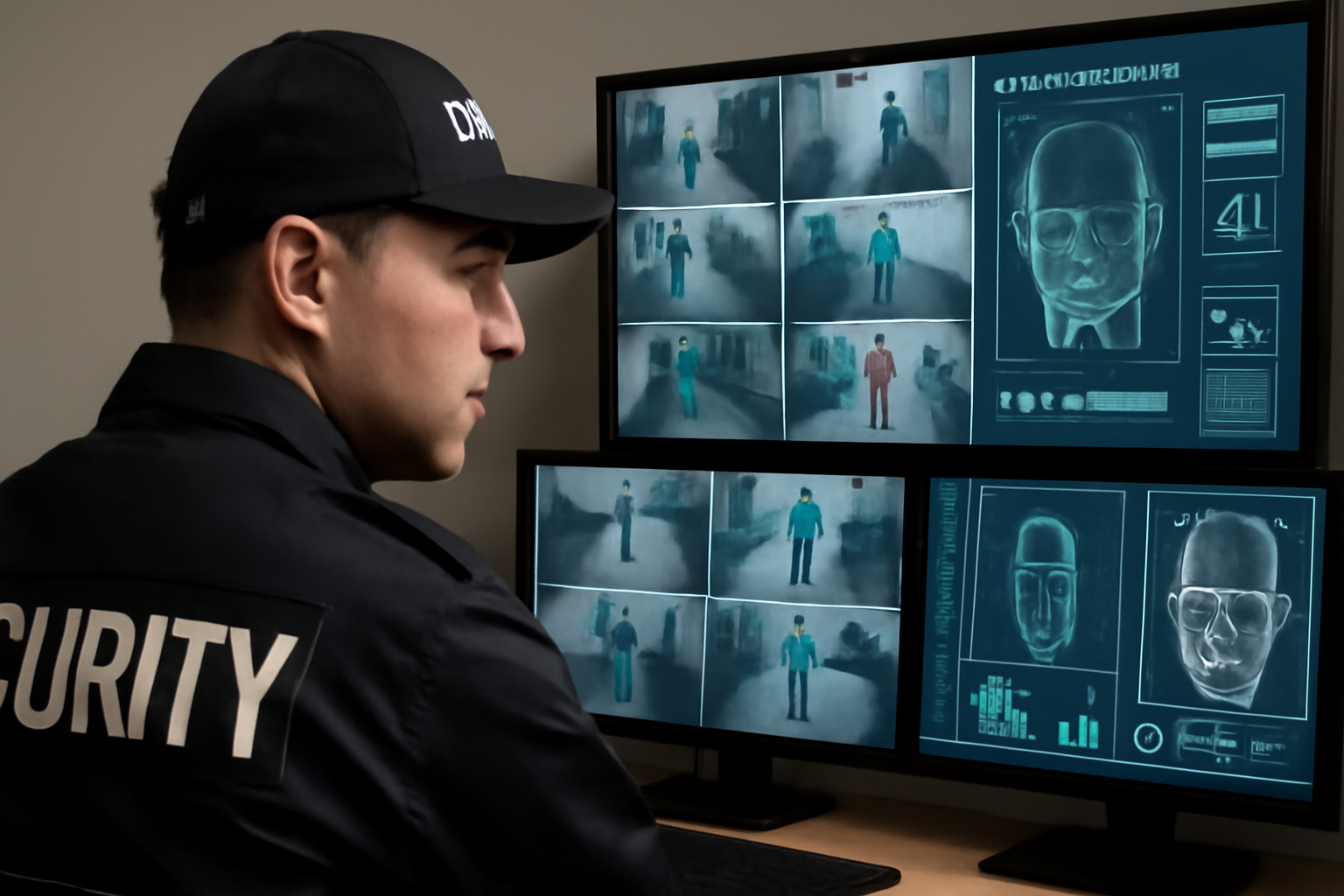
Modern surveillance tools have changed the way security guards do their jobs. Cameras, sensors, and smart software now help you monitor large areas more easily. With the right tools and training, you can spot problems sooner and respond faster.
Why Surveillance Tech Matters
Your eyes and ears are still your most important tools. But technology can help you see more, cover more ground, and make better decisions. Surveillance tools support your patrols, not replace them.
- Better coverage: Cameras monitor areas 24/7, including places you can’t always be.
- Faster alerts: Smart systems can detect motion, trespassing, or loitering and alert you right away.
- Clearer evidence: Recorded video helps with incident reports and investigations.
Common Types of Surveillance Tools
Here are some of the tools you may use on shift:
1. CCTV Cameras
Closed-circuit TV (CCTV) cameras are the backbone of most systems. They can be fixed or movable (PTZ—pan, tilt, zoom). Some have night vision or thermal imaging.
2. AI-Powered Video Analytics
These systems use artificial intelligence to analyze footage in real time. They can detect:
- Unusual movement
- People entering restricted areas
- Objects left behind
- License plates (with ALPR—automatic license plate recognition)
This helps you focus on real threats instead of watching screens all shift.
3. Access Control Systems
These include keycards, biometric scanners, or mobile apps that control who enters and exits secure areas. Many systems log all activity and can alert you if someone tries to enter without permission.
4. Remote Monitoring Software
This software lets you view live feeds from different cameras on your phone, tablet, or control room monitor. You can switch views, zoom in, and even speak through remote intercoms if needed.
Shift Checklist
Before and during your shift, use this checklist to keep your surveillance tools working for you:
- ✅ Check that all cameras are online and recording
- ✅ Review alerts or flagged footage from earlier shifts
- ✅ Test access control systems (card readers, locks)
- ✅ Know the zones each camera covers
- ✅ Watch for blind spots or dark areas
- ✅ Keep screens clean and free of glare
- ✅ Report any broken or blocked cameras
Quick Scenario
You’re on night shift at a warehouse. An AI camera sends an alert for motion in a fenced zone after hours. You pull the live feed and see a person walking near the loading dock. You notify your supervisor, call dispatch, and stay safe while backup arrives.
Thanks to the alert, you avoided a surprise encounter and followed protocol.
3 Common Questions
1. Do I need to watch the cameras all the time?
Not always. Use alerts and motion detection to help you focus. But check feeds often and stay aware of your site’s hot spots.
2. Can I use my phone for surveillance?
Some sites allow mobile access to camera systems. Follow your site policy and local law. Never use personal devices for work footage unless approved.
3. What if the system goes down?
Report it right away. Go back to manual patrols and increase physical checks. Always have a backup plan for power or network outages.
Tips for Smarter Monitoring
- Learn camera angles and coverage zones
- Use split-screen views to watch key areas
- Set up alerts for after-hours activity
- Log every incident with time and camera number
- Work closely with your team—share what you see
Action Takeaway
Use surveillance tools to support your patrols, not replace them. Stay alert, check your systems often, and follow your site policy for responding to alerts. The goal is always the same: protect people and property, and go home safe.

