
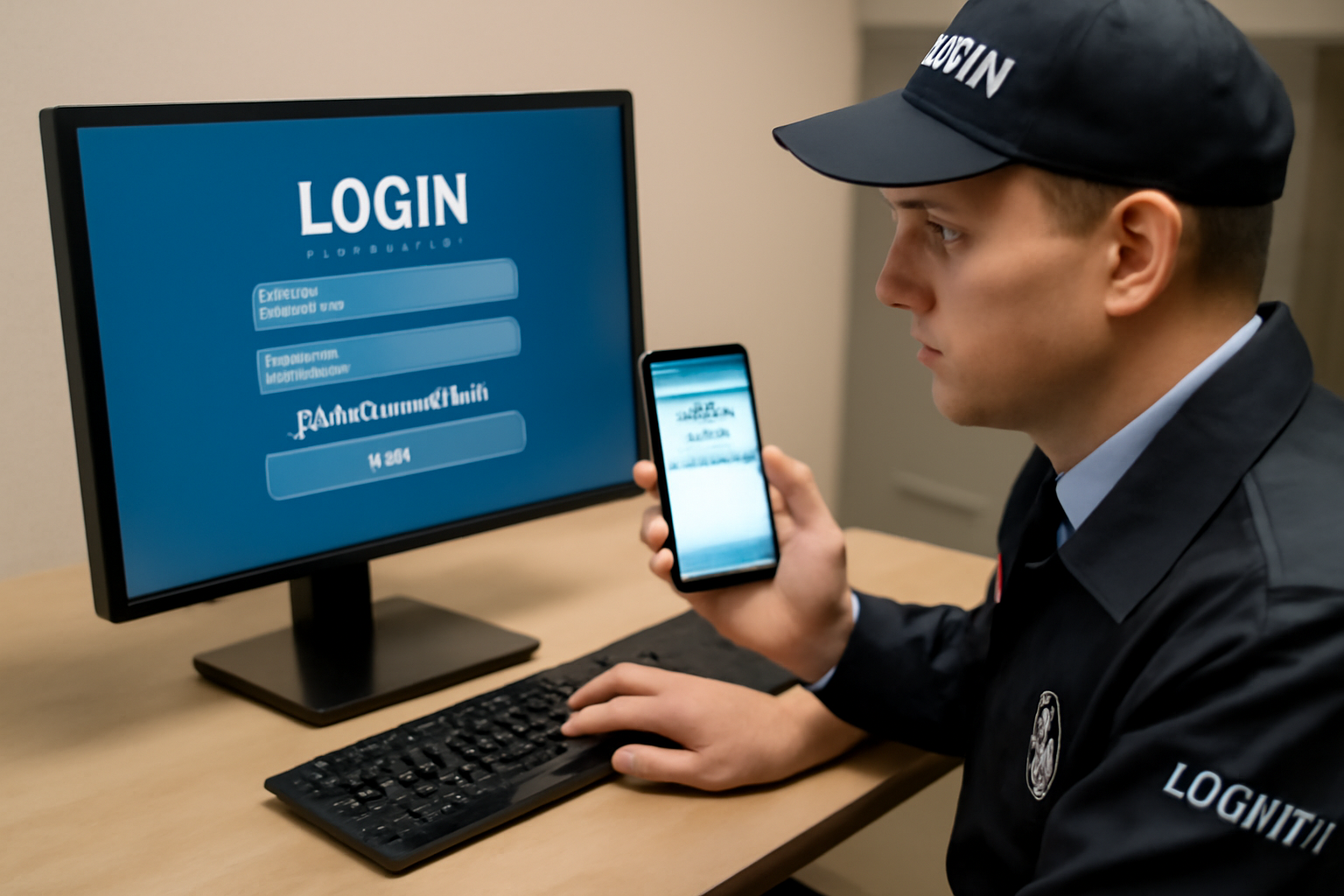
Multi-Factor Authentication for Security Teams
Access control is a key part of your job. Whether you protect a building, a data center, or a gated community, you must know who gets in and who stays out. That includes digital systems. Multi-factor authentication (MFA) is a simple tool that helps guard access to those systems.
What Is Multi-Factor Authentication?
MFA means a person needs more than just a password to log in. It uses two or more of these:
- Something you know – like a password or PIN
- Something you have – like a phone or security token
- Something you are – like a fingerprint or face scan
Even if a hacker gets a password, they still can’t log in without the second step. That makes MFA one of the best ways to stop unauthorized access.
Why MFA Matters for Security Guards
Security guards often work with systems that control doors, alarms, and surveillance. If someone breaks into those systems, they could:
- Unlock restricted areas
- Disable alarms
- Steal or delete video footage
MFA helps stop this. It protects the tools you use and the people and property you protect.
How MFA Works on the Job
Most companies use MFA through apps or texts. Here’s a common setup:
- You enter your username and password.
- You get a code on your phone or app (like Google Authenticator).
- You enter the code to complete login.
Some systems use a fingerprint scanner or a badge reader as the second factor. Whatever the method, it adds a layer of safety.
Shift Checklist
Use this quick checklist to keep your access secure during your shift:
- ✅ Log in only on approved devices
- ✅ Use MFA every time you access control systems
- ✅ Keep your phone or token secure and with you
- ✅ Never share your login or code with others
- ✅ Report any failed login attempts or strange alerts
Quick Scenario: Suspicious Login Attempt
You’re on shift at a data center. You get a text with a login code—but you didn’t try to log in. What do you do?
Action: Don’t ignore it. Report the attempt to your supervisor or IT right away. Someone may be trying to access the system with your password. MFA just blocked them.
3-Question FAQ
1. What if I lose my phone?
Report it right away. Your site’s IT or supervisor can reset your access. Follow site policy and local law.
2. Can I skip MFA if I’m in a rush?
No. Skipping MFA creates risk. Always take the extra few seconds to verify your login.
3. Is MFA used only for computers?
No. MFA can protect door systems, camera apps, alarm controls, and more. Anywhere you log in, MFA may apply.
Takeaway: Use MFA Every Time
MFA is one of the easiest and strongest ways to protect systems. As a security guard, you are often the first line of defense. Use MFA every time you log in. Keep your tools—and your site—safe.

