
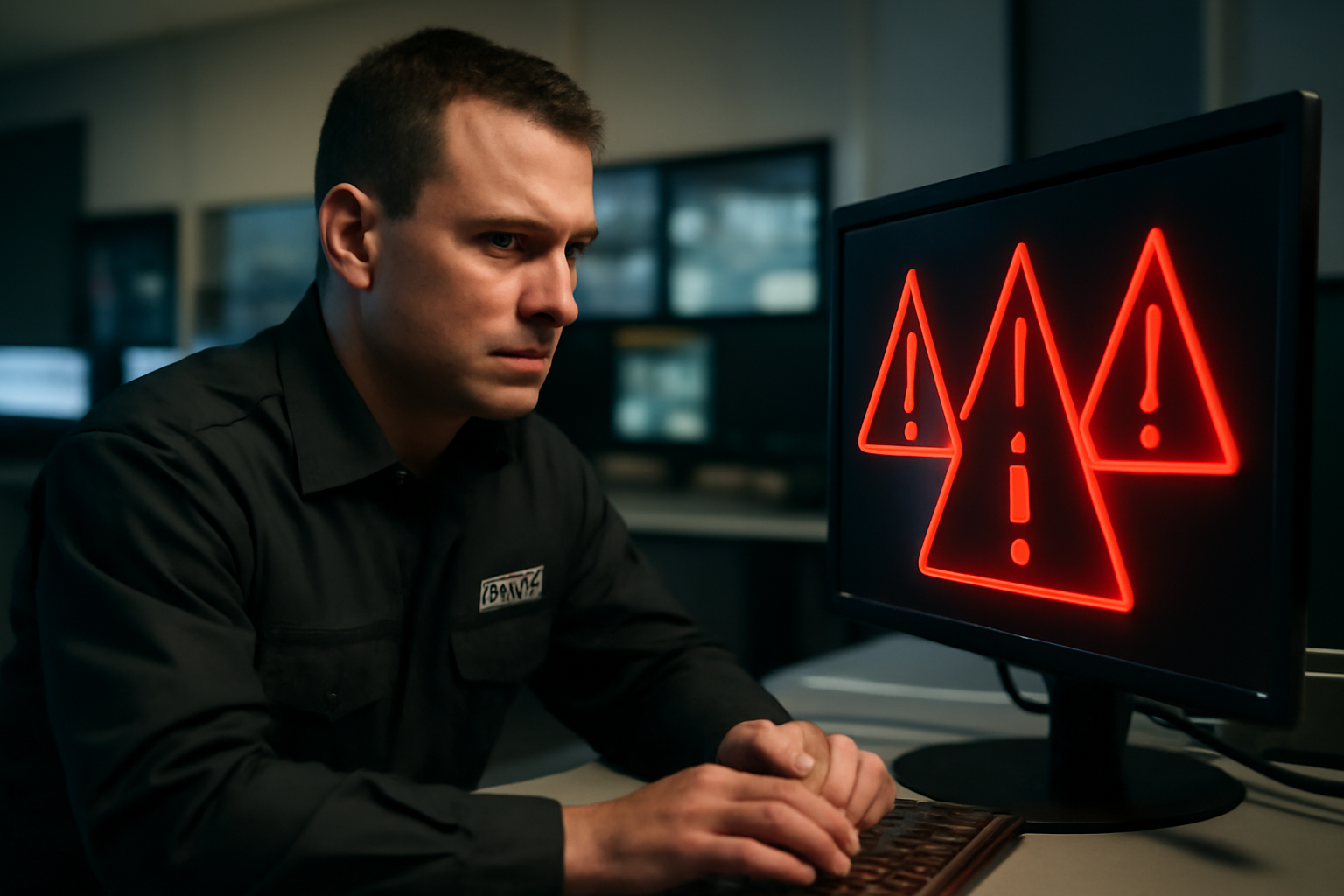
Incident Response for Cybersecurity Breaches
When a cyber breach happens, every second counts. As a security guard, you may be the first to notice signs of trouble. This guide walks you through how to respond fast, stay calm, and protect company systems and information.
What Is a Cybersecurity Breach?
A cybersecurity breach happens when someone gains access to a system or data without permission. It could be a hacker using malware, a stolen password, or someone plugging in an unknown USB drive. Breaches can lead to stolen data, locked systems, or worse.
Signs of a Cyber Breach
- Unusual pop-ups or system slowdowns
- Locked screens with ransom messages
- Alarms from antivirus software
- Unknown devices plugged into computers
- Employees reporting strange activity
If you notice any of these, don’t ignore them. Take action right away.
Shift Checklist: Cybersecurity Watch
- Check that all doors to server rooms are locked
- Look out for unknown devices near workstations
- Watch for people trying to access restricted computers
- Note any unusual computer behavior or employee complaints
- Know who to call for IT or cyber emergencies
What to Do If You Suspect a Cyber Breach
- Stay calm. Don’t panic. You need a clear head.
- Don’t touch the computer. Do not turn it off or unplug anything unless told to.
- Report it immediately. Call your supervisor or the IT security contact. Use the emergency number if needed.
- Secure the area. Keep others away from the affected workstation.
- Log the event. Write down what you saw, when it happened, and any names involved.
Always follow your site’s incident response plan and local law. If you don’t know the plan, ask your supervisor today.
Quick Scenario: USB Trouble
You’re patrolling and see someone plug a USB drive into a front desk computer. They’re not staff. What do you do?
- Approach calmly and ask for ID.
- If they don’t belong, ask them to step away from the computer.
- Report the incident at once.
- Do not remove the USB yourself. Let IT handle it.
This could be an attempt to install malware. Quick action helps limit damage.
After the Breach
Once the breach is reported and secured, your job isn’t done. Help with the follow-up:
- Write an incident report with facts only
- Cooperate with IT or investigators
- Review what happened and how to prevent it next time
3-Question FAQ
1. Should I try to shut down a hacked computer?
No. Unless told by IT or a supervisor, don’t touch it. You could erase important evidence.
2. What if I’m not sure it’s a breach?
Report it anyway. It’s better to be safe. Let IT decide if it’s real or not.
3. Who do I report to?
Follow your site’s chain of command. Usually your shift lead or control center. Know the number in advance.
Stay Ready, Stay Alert
Cybersecurity isn’t just for IT. Guards play a key role in spotting and stopping threats early. You don’t need to be a tech expert—just stay alert, follow your training, and act fast when something feels wrong.
Action Takeaway
Learn your site’s cyber incident response plan today. Know who to call, what to do, and how to stay safe. Your quick action can stop major damage.

