
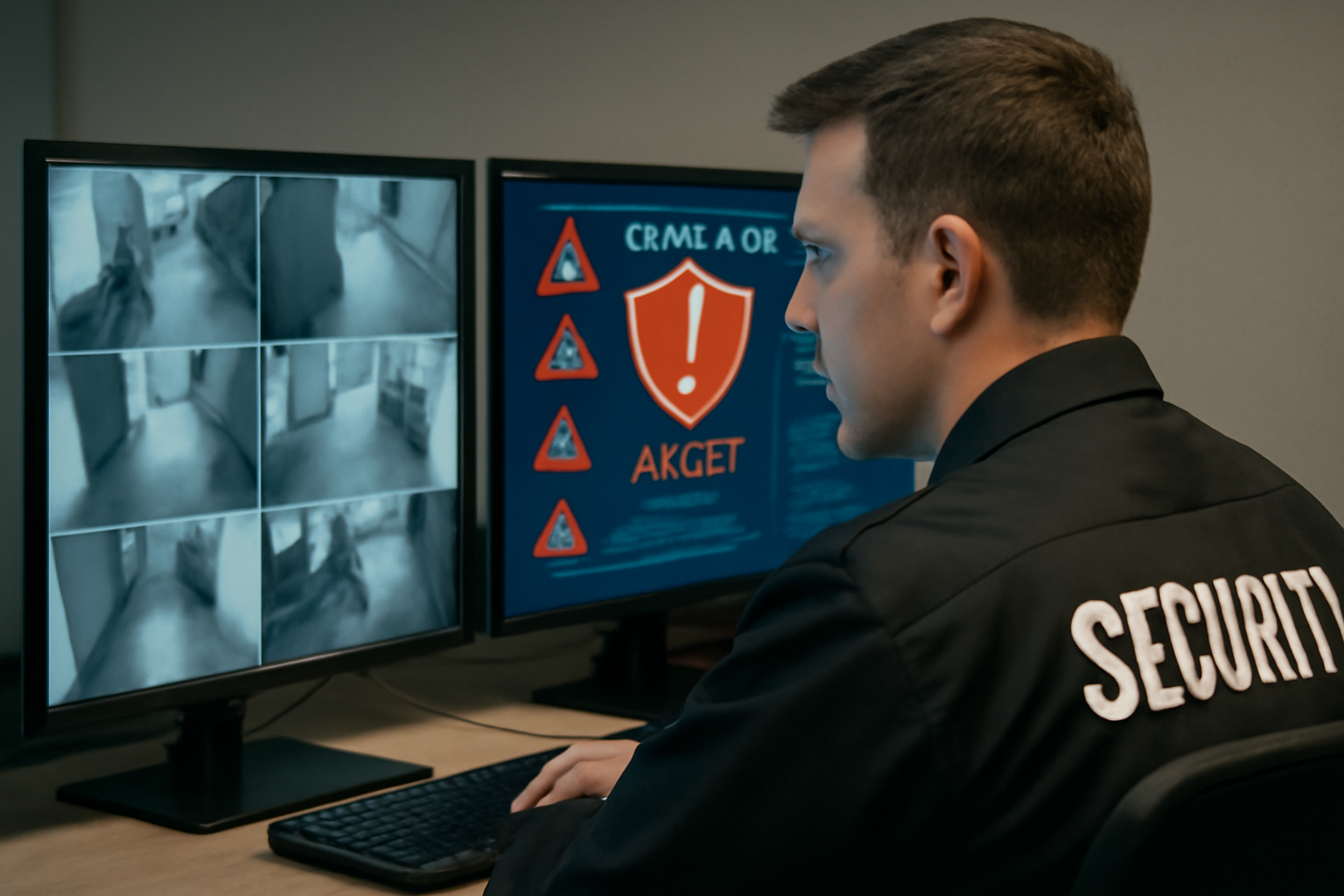
Introduction to Cybersecurity for Security Personnel
As a security officer, your main job is to protect people and property. But today, threats don’t just come through doors and windows. They can come through computers, phones, and networks. That’s why you need to understand basic cybersecurity.
Why Cybersecurity Matters to Physical Security
Cyber and physical security are connected. A hacker might try to unlock doors through a smart system. A thief could use a fake ID made with stolen data. If your site uses cameras, badge readers, or alarms—those systems may be targets too.
Being alert to cyber threats helps you protect your site better. You don’t need to be a tech expert. But you do need to know what to look for and how to report it.
Common Cyber Threats Guards Should Know
- Phishing: Fake emails or texts trying to get passwords or private info.
- Social Engineering: Someone tries to trick you into giving access or info.
- Tailgating with a Twist: Someone follows you in, then inserts a USB into a site computer.
- Wi-Fi Snooping: Attackers use fake Wi-Fi networks to steal data.
- Device Theft: Laptops, phones, or tablets left unsecured can be stolen.
Shift Checklist: Cyber Safety Basics
- Make sure all security devices (cameras, doors, alarms) are online and working.
- Check that no USB drives or unknown devices are plugged into site computers.
- Verify Wi-Fi names used onsite—report any odd or fake ones.
- Lock up any phones, tablets, or laptops not in use.
- Be alert for strangers asking questions about systems or access.
- Report any suspicious emails or texts to your supervisor right away.
Scenario: The USB Trap
You’re patrolling the lobby and see a USB drive on the floor. A person nearby says, “Oh, that might be mine. Can I plug it into your desk computer to check?”
What should you do?
Do not plug it in. Politely decline and follow site policy. Turn the USB in to your supervisor or IT if needed. It could contain malware that infects your system.
3 Quick Cyber FAQs for Security Officers
1. Do I need to know how to fix computers?
No. You just need to spot problems and report them. Let trained IT or cybersecurity staff handle repairs.
2. Can someone hack cameras or door locks?
Yes. If systems are connected to the internet and not secured, hackers could access them. That’s why you must check for system alerts and report anything strange.
3. What if someone asks me for Wi-Fi info?
Never share Wi-Fi passwords unless your supervisor says it’s okay. Always follow site policy and local law.
Action Takeaway
Cyber threats are real—and growing. As a security officer, you’re the first line of defense. Stay alert, follow your site’s procedures, and report anything unusual. Cyber awareness is part of your job now. The more you know, the better you protect your site.
“If you can see it, you can stop it. Stay sharp—online and on the ground.”
Want to Learn More?
Ask your supervisor about site-specific cyber rules. You can also take free beginner courses online to learn more about phishing, strong passwords, and secure habits. Stay safe out there.

