
Common Cyber Threats in Security Operations
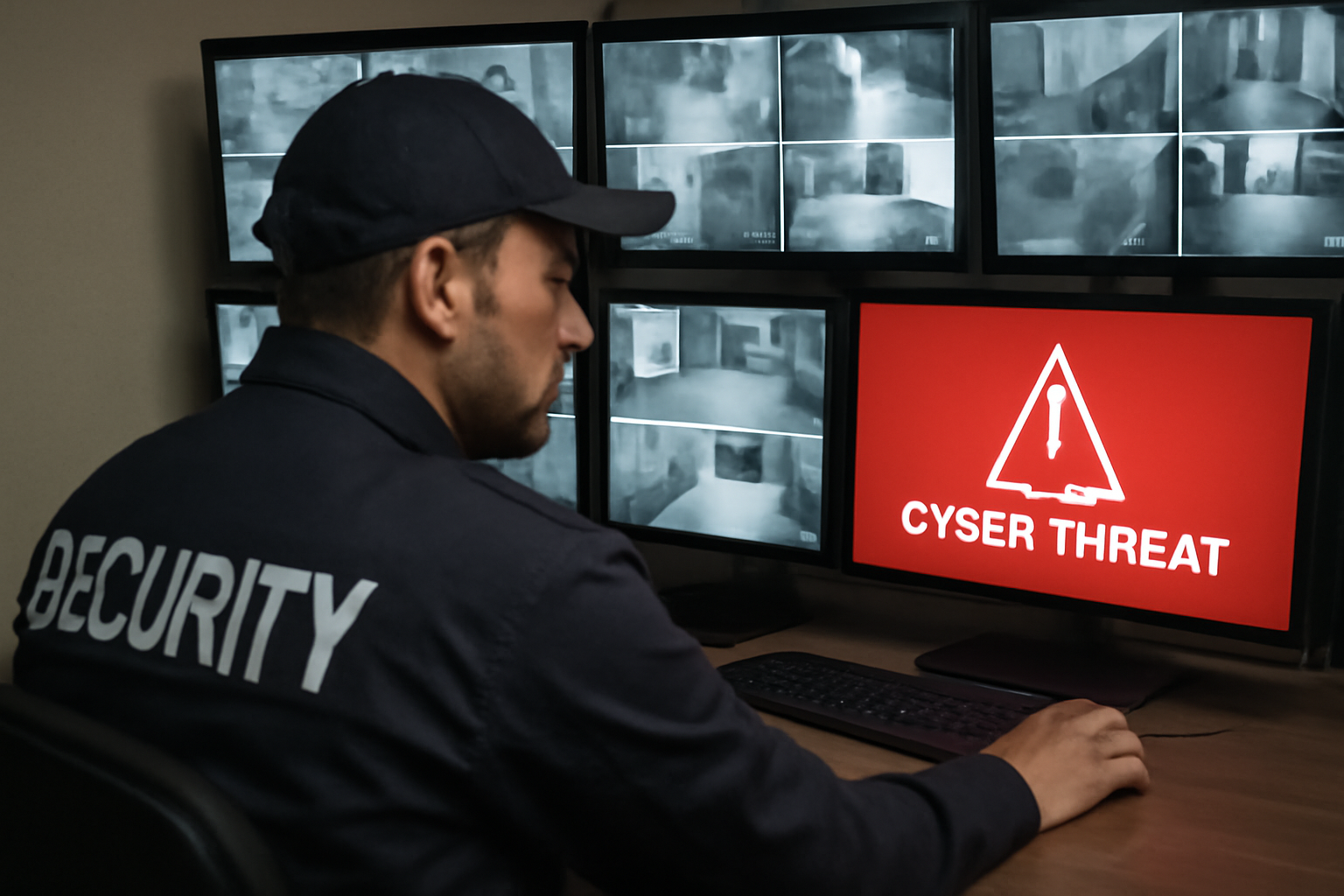
As a security officer, you already protect people and property. But today, part of your job is also guarding against cyber threats. Cyber attacks can shut down systems, steal data, and even affect physical security. You don’t need to be an IT expert—but you do need to understand the basics.
Why Cyber Threats Matter to Physical Security
Many security systems—cameras, access control, alarms—are connected to networks. If those networks are attacked, your tools could fail. That puts your site and people at risk. Cyber threats can also trick you or your team into giving away access without knowing it.
Top 4 Cyber Threats You Could Face
1. Phishing
Phishing is when someone sends a fake email, text, or message to trick you into giving up passwords or clicking bad links. These messages often look real—like from your boss or a company you trust.
Example: You get an email that looks like it’s from your site manager asking you to reset your account password. But the link goes to a fake site that steals your login.
2. Malware
Malware is software that harms computers or steals data. It can get in through email attachments, USB drives, or unsafe websites. Once inside, it can shut down systems or spy on what you do.
Example: A guard plugs in a USB drive they found in the parking lot. It installs malware that lets a hacker watch camera feeds.
3. Ransomware
Ransomware locks files and systems until a payment is made. It often spreads through phishing emails or infected websites. If your site’s access system is locked, no one can get in or out safely.
Example: A shift supervisor opens a fake invoice email. The malware spreads and locks the entire camera system.
4. Insider Threats
Not all threats come from outside. Sometimes, employees or contractors cause harm—on purpose or by mistake. They might steal data, share passwords, or misuse equipment.
Example: A former guard still has badge access and uses it to enter the site after hours. No one updated the system to remove them.
Shift Checklist: Cyber Awareness Basics
Use this checklist at the start of each shift to stay cyber-ready:
- Check your workstation for unusual pop-ups or error messages.
- Log in only through approved systems—never from unknown links.
- Lock your screen when stepping away.
- Never plug in unknown USB drives or devices.
- Report strange emails, texts, or messages to your supervisor right away.
- Follow site policy and local law for handling digital equipment.
Quick Scenario: What Would You Do?
You’re working the night shift. You get a text that looks like it’s from your supervisor, asking for the alarm system login. It says they forgot it and need it for a report.
What’s the best move?
- Do not reply with the login.
- Call your supervisor directly using the number on record.
- Report the message to your site’s IT or security lead.
This could be a phishing attempt. Always verify first.
3 Common Questions About Cyber Threats
1. What if I clicked a bad link by mistake?
Tell your supervisor right away. The faster you report it, the better chance IT has to stop damage. Don’t try to fix it yourself.
2. How do I know if an email is fake?
Look for signs: misspelled words, urgent tone, unknown sender, or links that don’t match the sender’s address. When in doubt, don’t click—ask first.
3. Can I use my personal phone to check work emails?
Follow site policy. Some sites allow it with secure apps. Others don’t. Never mix personal and work accounts without approval.
Action Steps: Stay Cyber-Safe on Every Shift
- Stay alert to messages, links, and attachments.
- Protect your login info—don’t share passwords.
- Secure your workstation and devices.
- Report anything strange right away.
- Ask questions if you’re unsure—better safe than sorry.
“Cybersecurity is part of physical security now. Stay sharp, stay safe.”
Being a security guard today means more than watching doors. It means protecting systems, too. You don’t need to be a tech expert—you just need to be alert, careful, and ready to report anything suspicious. That’s how you help your team and your site stay secure.

