
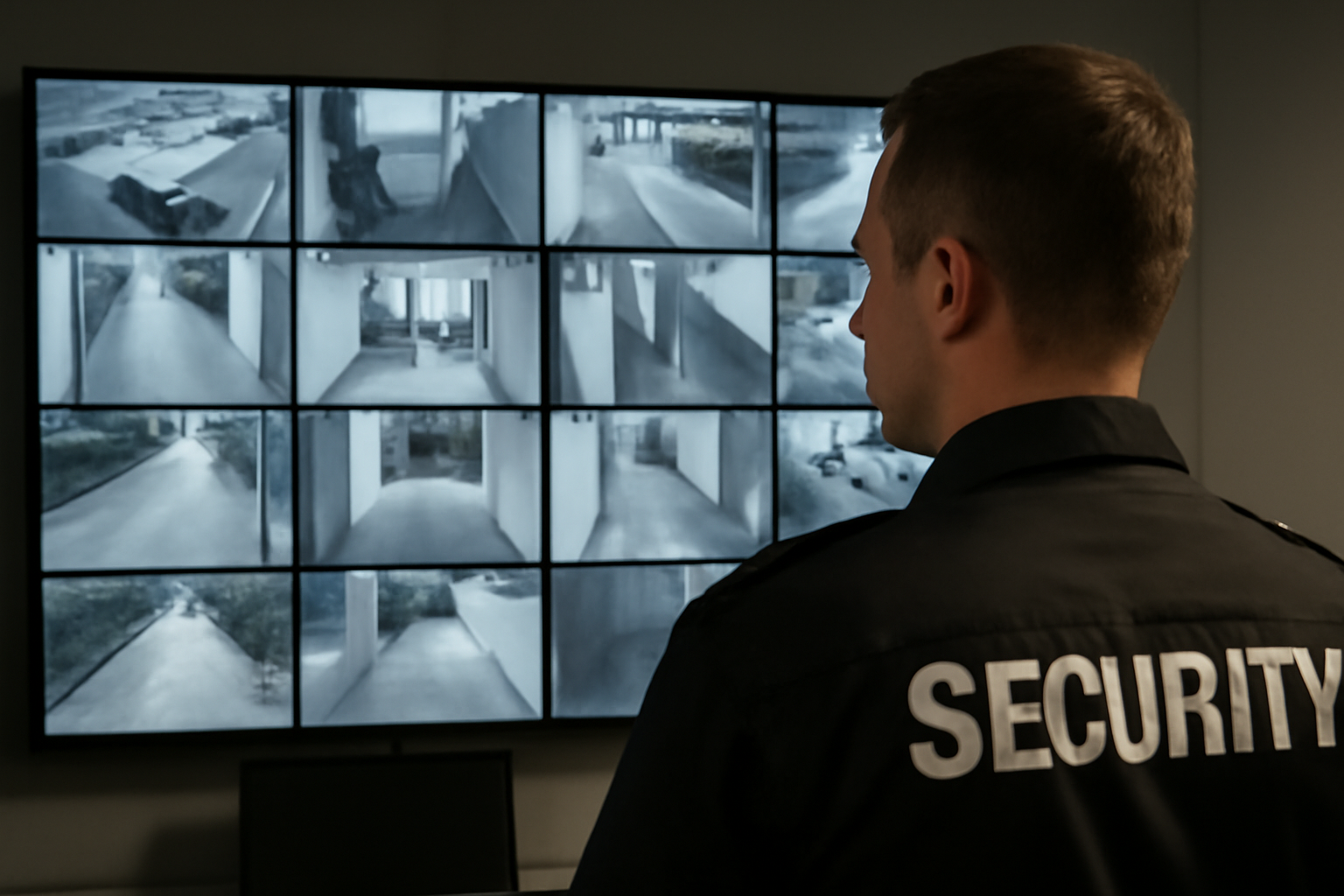
CCTV Operation Basics
Closed-circuit television (CCTV) is one of your most important tools on duty. It helps you spot problems early, record events, and keep your site secure. Knowing how to use it well can make a big difference in your job performance.
Why CCTV Matters
CCTV systems are everywhere—at malls, offices, warehouses, and residential buildings. They help you:
- Monitor key areas in real time
- Record incidents for review
- Identify suspicious behavior
- Support emergency response
But cameras only help if someone knows how to use them. That’s where you come in.
Basic CCTV Equipment
Most systems include:
- Cameras: Fixed or moving (PTZ – pan, tilt, zoom)
- Monitors: Show live or recorded footage
- DVR/NVR: Digital or network video recorders that store footage
- Control panel: Lets you switch views and control PTZ cameras
How to Monitor Effectively
Good monitoring takes focus. Here’s how to do it right:
- Know the camera locations: Learn where each camera points and what it covers.
- Watch for movement: Pay attention to areas with people, vehicles, or deliveries.
- Use split-screen wisely: Don’t overload your view. Focus on key zones during busy times.
- Adjust PTZ cameras: If allowed, use PTZ to zoom in on suspicious activity.
Common Mistakes to Avoid
- Ignoring blind spots — walk the site to know what cameras miss.
- Getting distracted — stay off your phone while monitoring.
- Not reporting issues — report broken cameras or poor image quality right away.
Shift Checklist: CCTV Tasks
- Check all cameras are working at shift start
- Review footage if there was an incident before your shift
- Scan live feeds every 10–15 minutes
- Log any unusual activity
- Report damaged or offline cameras
- Secure the control room when not in use
Quick Scenario: Suspicious Behavior
Situation: While watching the lobby camera, you see someone loitering near the entrance for 10 minutes, not entering or leaving.
Action: Zoom in (if possible) and note appearance. Call for a patrol to check the area. Log the time and description. Follow site policy and local law before taking further steps.
3-Question CCTV FAQ
1. How long is footage stored?
This depends on the system and site policy. Some keep footage for 7 days, others 30 or more. Ask your supervisor.
2. Can I watch footage from earlier today?
Yes, if you have access to the DVR/NVR. Learn how to search by time and date.
3. What if a camera goes out?
Report it right away. Note the time and camera number. Do not try to fix it yourself unless trained.
Tips for Better CCTV Use
- Keep your viewing area clean and organized
- Use a logbook to track incidents and camera issues
- Work with your team—share what you see
- Stay alert during slow hours
“A camera is only as good as the guard behind it.”
Takeaway
CCTV is a powerful tool, but only if you use it right. Learn your system, stay alert, and follow site policy. Your eyes on the screen help keep your site safe.

