
Cybersecurity Compliance and Standards
As a security guard, you help protect people and property. But today, threats aren’t just physical. They can come through computers, phones, and networks. That’s where cybersecurity comes in. You don’t need to be a tech expert, but you do need to follow rules and stay alert. This article breaks down what you need to know about cybersecurity compliance and standards while on shift.
What is Cybersecurity Compliance?
Cybersecurity compliance means following rules to keep digital systems safe. These rules come from laws, company policies, and industry standards. They help prevent hacking, data theft, and system failures.
As a guard, you may use or protect systems that store personal data, access control logs, or surveillance footage. That means you must follow the right steps to avoid a breach.
Common Cybersecurity Standards
Here are a few key standards you might hear about:
- NIST (National Institute of Standards and Technology): Sets best practices for all U.S. government systems. Many private companies follow them too.
- ISO/IEC 27001: An international standard for managing information security.
- PCI DSS (Payment Card Industry Data Security Standard): Rules for handling credit card data. Important if you’re at a retail site.
- HIPAA (Health Insurance Portability and Accountability Act): Protects patient health information. Important if you’re at a hospital or clinic.
You don’t need to memorize every rule. But you should know which ones apply to your site and follow company policy.
Why It Matters for Guards
Cybersecurity is part of your job. Here’s why:
- Access control systems: Many use networks. A breach can unlock doors or shut down systems.
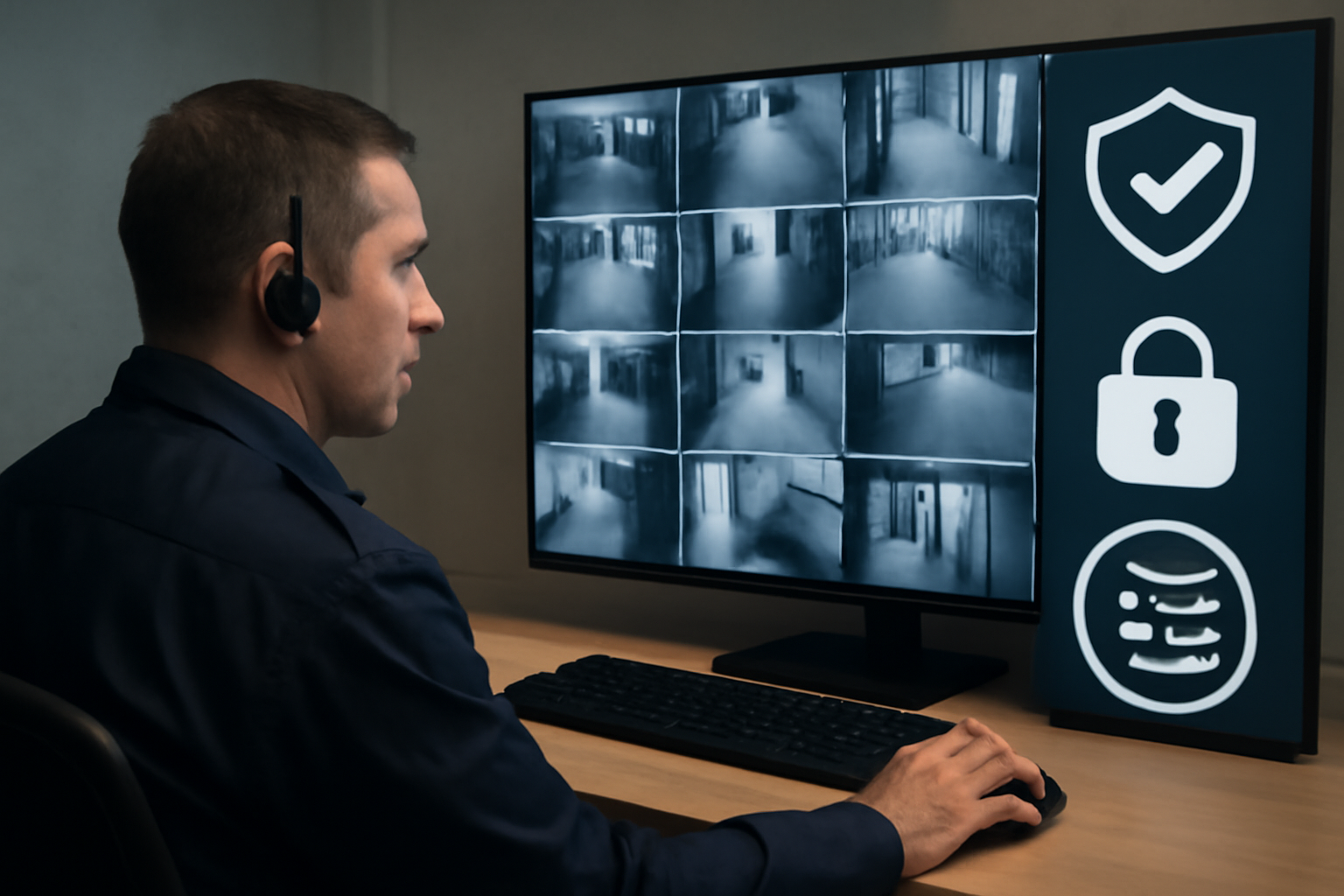
- Surveillance footage: Often stored digitally. It must be protected from tampering or leaks.
- Incident reports: If you file them on a tablet or computer, they can be targets for hackers.
If you don’t follow digital safety rules, you could risk people’s privacy and your company’s reputation.
Shift Checklist: Cybersecurity Basics
- Lock your screen when stepping away from any device.
- Use strong passwords. Don’t write them down or share them.
- Report any suspicious emails, pop-ups, or USB devices.
- Log off systems at the end of your shift.
- Follow your site’s data handling and storage policy.
Quick Scenario: USB Drop
You find a USB stick on the ground outside your site. It’s unmarked. What do you do?
Wrong: Plug it into your work computer to see what’s on it.
Right: Turn it in to your supervisor or IT department. Never plug in unknown devices. They can contain malware.
3-Question FAQ
1. Do I need to know every cybersecurity law?
No. But you need to follow your site’s rules and training. If unsure, ask your supervisor.
2. Can I use my personal phone to check work email?
Only if your site allows it. Always follow site policy and local law.
3. What if someone asks for access to computer systems?
Don’t guess. Verify their ID and role. If unsure, contact your supervisor before allowing access.
Action Takeaway
Cybersecurity isn’t just for IT teams. It’s part of your job as a security guard. Know your site’s digital safety rules, follow them every shift, and speak up if something doesn’t seem right. That’s how you stay compliant—and keep everyone safer.

