
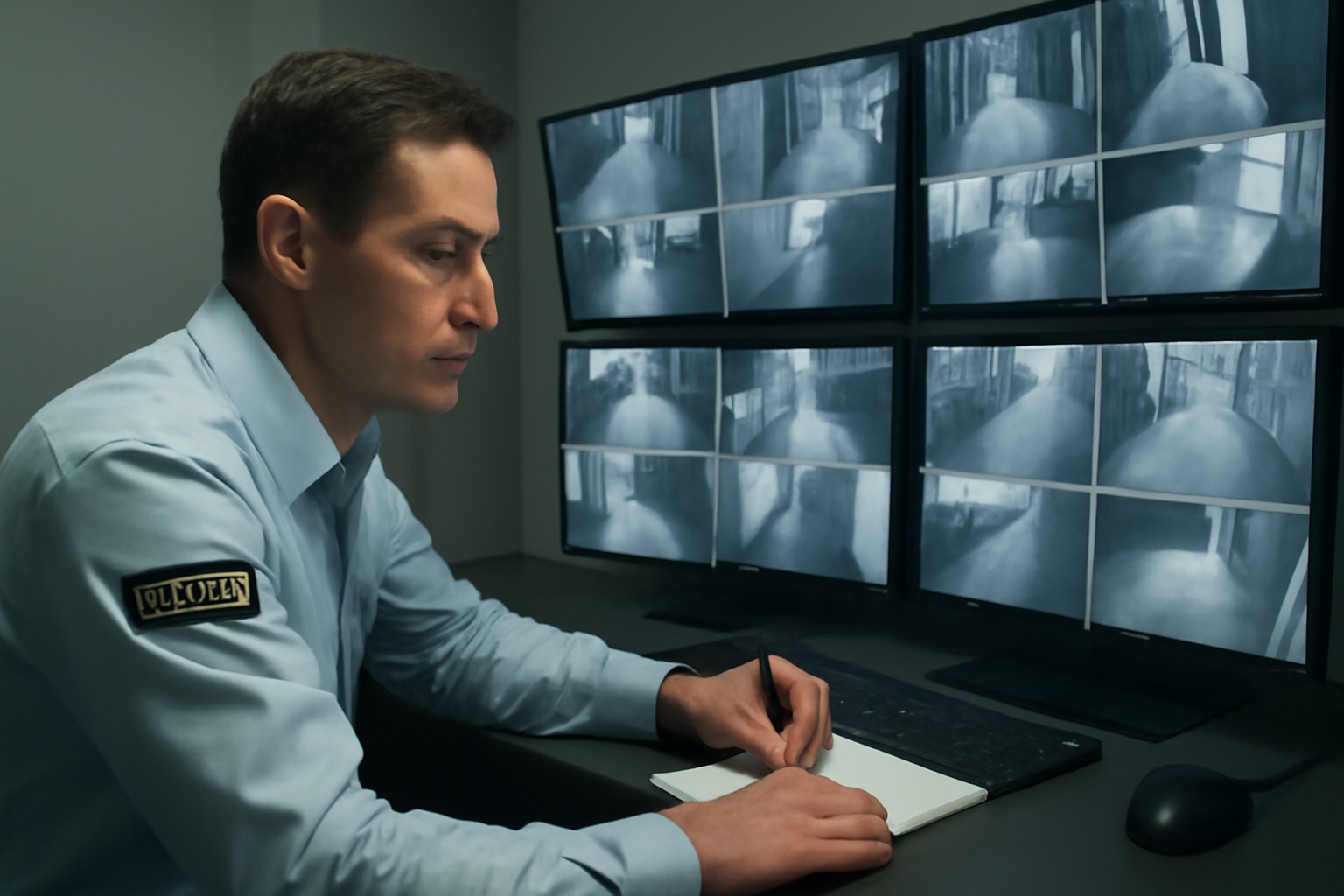
Surveillance Incident Response Protocols
Security guards often rely on surveillance systems to spot trouble before it causes harm. But knowing what to do when you see something wrong is just as important as spotting it. This guide walks you through how to respond when an incident is detected by cameras or monitoring systems.
Why Response Matters
Watching cameras is only part of your job. Acting on what you see is where you make a difference. A fast, clear response can stop crime, prevent injury, or protect property. Poor response can make things worse or put you at risk. That’s why having a response protocol matters.
Shift Checklist: Surveillance Response Ready
- Test all camera feeds at start of shift
- Log into monitoring systems with current credentials
- Know your zone assignments and camera locations
- Keep radio and phone charged and on hand
- Review site-specific incident response steps
- Know who to contact in case of emergency
Step-by-Step: Responding to a Surveillance Incident
- Spot the incident: Stay alert. Watch for signs like trespassing, loitering, fights, or suspicious packages.
- Confirm and assess: Use multiple camera angles if possible. Zoom in if your system allows. Ask: Is this a real threat?
- Alert others: Use your radio or phone. Notify your supervisor or control center. Give clear details: location, time, what you saw.
- Follow site protocol: Every site has rules. Some require calling local law enforcement. Others may have you dispatch a patrol. Follow site policy and local law.
- Stay safe: Never leave the control room unless assigned. If you must respond, wait for backup if the situation is dangerous.
- Keep recording: Make sure cameras stay on. Tag the footage if your system allows. This helps with reports later.
- Document everything: Write down what happened. Use time stamps. Include who you told and what actions were taken.
Quick Scenario: Suspicious Person in Parking Lot
It’s 10:45 p.m. You see a person walking between cars in the employee parking lot. They’re looking into windows. No one should be there at this time.
- You zoom in and confirm they don’t match any known staff.
- You radio your supervisor: “Suspicious person, Lot B, moving between cars, looks like a male in dark hoodie.”
- Supervisor tells you to dispatch patrol. You stay on camera and guide them in.
- Patrol approaches safely. Person runs. You keep eyes on them and update location over radio.
- Local police are called. You tag the footage and start an incident report.
3-Question FAQ
1. What if I’m not sure it’s really an incident?
Still report it. It’s better to be safe than sorry. Let your supervisor decide next steps.
2. Can I leave the control room to check it out?
Not unless your site policy says so. Your job is to monitor and report. Don’t leave unless told to.
3. What if the cameras stop working during an incident?
Report the failure right away. Switch to backup feeds if you have them. Use radio to guide others on the ground.
Extra Tips for Better Response
- Practice using your system’s zoom, tag, and playback tools during slow times.
- Keep a logbook of past incidents and how they were handled. Learn from them.
- Speak clearly and calmly on the radio. Use short, direct phrases.
- Always be professional. Your report may be used in investigations.
Action Takeaway: When you see something on camera, act fast, follow your site’s steps, and stay safe. Your eyes and response can stop problems before they grow.

