
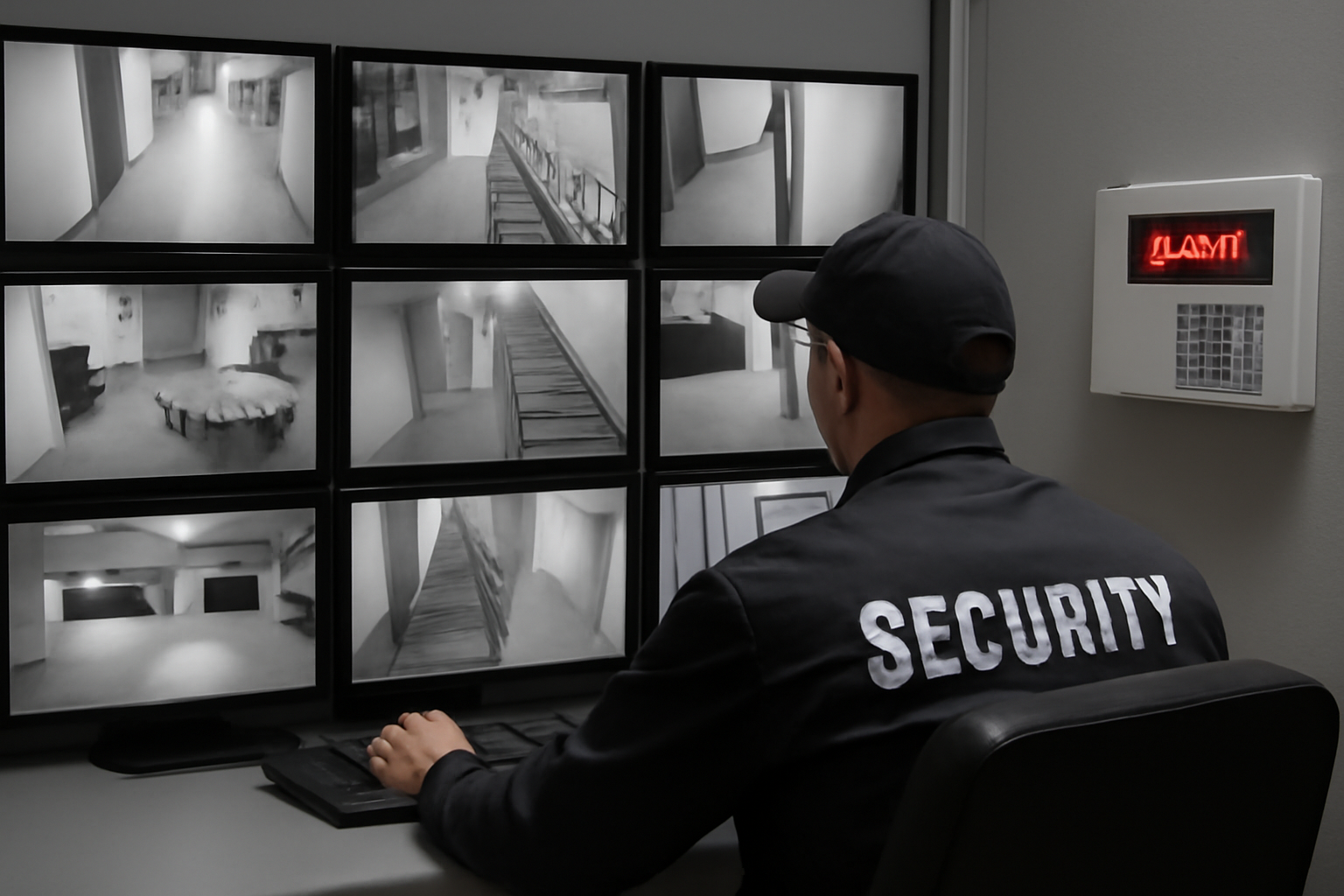
Integrating Surveillance with Alarm Systems
Security guards count on two key tools: surveillance cameras and alarm systems. When these systems work together, your job gets easier—and safer. This article shows how to link them for better threat detection and faster response.
Why Integration Matters
Surveillance cameras record what’s happening. Alarm systems alert you when something’s wrong. When these systems talk to each other, you get real-time video when an alarm goes off. That helps you:
- Respond quicker
- See what triggered the alarm
- Verify if it’s a real threat or a false alarm
- Give better info to police or backup
How It Works
Modern systems can connect alarms to cameras using software. When a door sensor trips or motion is detected, the camera near that area starts recording or sends a live feed to your monitor. Some systems even mark the video with a time stamp or alert flag.
Here’s a basic setup:
- Alarm sensor detects motion or breach
- System sends signal to the video surveillance software
- Camera switches to live view or starts recording
- Guard gets a real-time alert with video
What You Need to Know on Shift
As a guard, you don’t need to install the systems—but you should know how they work together. Ask your supervisor or tech team to show you:
- Which cameras are linked to which alarms
- What alerts look or sound like
- How to pull up video when an alarm goes off
- How to report or log false alarms
Always follow site policy and local law when using recorded footage.
Shift Checklist for Integrated Systems
- ✅ Check camera feeds are working
- ✅ Test alarm panel (if allowed)
- ✅ Know which sensors trigger which cameras
- ✅ Keep headset or radio charged and ready
- ✅ Review last shift’s alarm logs
Quick Scenario
You’re working the night shift at a warehouse. At 2:13 AM, the overhead door alarm goes off. Your screen auto-switches to the rear loading dock camera. You see a person trying to pry open the door. You radio dispatch, give a description, and stay on camera until backup arrives.
Because the camera and alarm were linked, you didn’t have to search for the feed. You saw the threat right away and acted fast.
3-Question FAQ
Q1: What if the video doesn’t show anything?
A false alarm is still important. Log it, report it, and check sensor placement. Some motion sensors are too sensitive. Let your supervisor know.
Q2: Can I reset an alarm from the camera screen?
Sometimes, yes. It depends on your system. Ask your site tech or supervisor. Never reset alarms without permission unless trained to do so.
Q3: What if cameras don’t switch when alarms go off?
It might be a system error. Report it right away. Watch your alarm panel and switch cameras manually if needed.
Tips for Smarter Monitoring
- Use split-screen to keep key cameras up while watching alerts
- Keep a notepad or digital log of every alarm trigger
- Know the blind spots—every system has them
- Ask for practice drills if you haven’t had any
Action Takeaway
Don’t wait until an alarm goes off to learn the system. Today, ask your supervisor to walk you through how your site’s cameras and alarms work together. The better you know the setup, the faster you can respond—and stay safe.

