
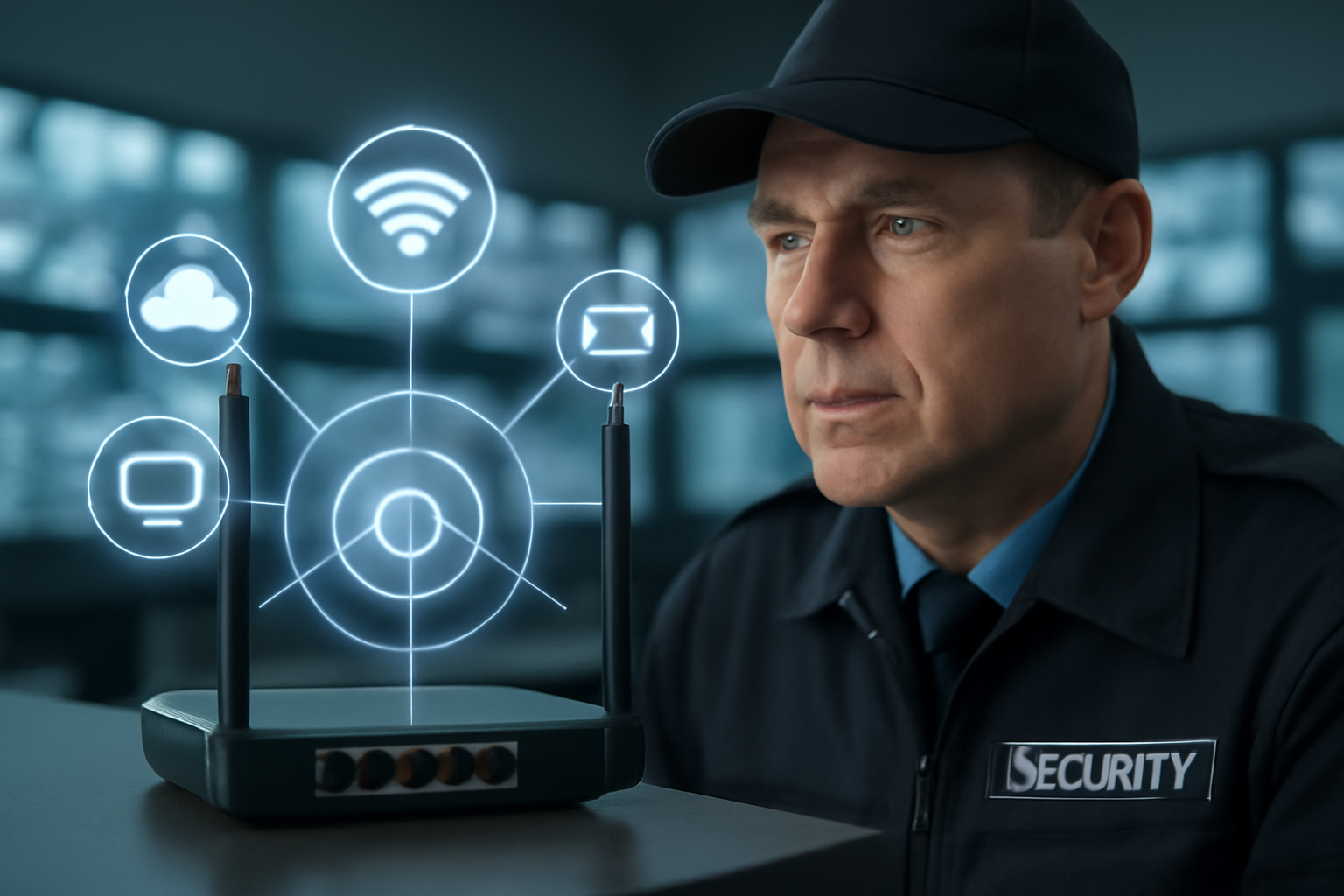
Securing Wi-Fi and Network Access
Wireless networks are everywhere. They help us connect devices fast. But if not secured, they can be a weak point. As a security guard, you may not be an IT expert—but you play a key role. You’re the eyes and ears on-site. This guide shows you how to spot risks and report them fast.
Why Wi-Fi Security Matters
Unsecured Wi-Fi invites trouble. Hackers can steal data, hijack systems, or launch attacks. If someone connects to a site’s network without permission, it can lead to:
- Data theft
- System damage
- Loss of client trust
- Legal trouble for the company
Your job is to help prevent that.
Common Wi-Fi Threats
- Rogue devices: Someone sets up their own router or hotspot on-site.
- Weak passwords: Easy-to-guess Wi-Fi passwords make it simple for outsiders to get in.
- Unsecured guest networks: Open networks with no password are risky.
- Unauthorized users: People hanging outside using the network without permission.
What You Can Do
You don’t need to be a tech expert. Just stay alert and follow these steps:
1. Know What’s Normal
Ask your supervisor or IT team what equipment should be on-site. Learn what the routers, access points, and cables look like. That way, you’ll spot anything odd.
2. Check for Rogue Devices
Look for strange devices plugged into wall outlets, under desks, or behind equipment. If you find a device that doesn’t belong, report it right away.
3. Watch for Suspicious Behavior
People loitering near the building with laptops or phones might be trying to access the network. Politely ask their reason for being there. Follow your site’s policies.
4. Protect Passwords
- Never share Wi-Fi passwords with visitors unless your supervisor says it’s okay.
- Don’t write passwords on sticky notes or leave them in the open.
5. Check the Guest Network
If your site has a guest network, make sure it’s separate from the main network. Guests should not have access to company systems. If you’re unsure, ask your supervisor.
6. Report Issues Fast
If you see anything unusual—unknown devices, exposed wires, or equipment that looks tampered with—report it. Don’t try to fix it yourself. Let IT or management handle it.
Shift Checklist: Network Security Patrol
- ✅ Check for unfamiliar routers or access points.
- ✅ Look for exposed or unplugged cables.
- ✅ Ensure server rooms or closets are locked.
- ✅ Watch for people using devices in odd places (parking lot, near walls).
- ✅ Confirm no password info is posted in public areas.
Quick Scenario
You’re on patrol and see a small black device plugged into a wall outlet in a meeting room. It has a blinking light and looks like a mini-router.
What do you do?
- Don’t touch or unplug it.
- Note the location and description.
- Notify your supervisor or the IT team.
- Log the incident in your shift report.
That device could be harmless—or it could be a rogue access point. Let the experts check it out.
3-Question FAQ
1. What if someone asks me for the Wi-Fi password?
Follow site policy. Don’t give out passwords unless your supervisor says it’s okay.
2. Can I unplug a suspicious device?
No. Don’t touch unknown devices. Report them right away.
3. What if I see someone outside using a laptop near the building?
Approach professionally. Ask if they need help. If their reason doesn’t check out, follow your site’s policy or call for backup.
Action Takeaway
Stay alert to anything unusual around network equipment. Know what belongs and what doesn’t. When in doubt, report it. You’re a key part of your site’s cybersecurity.
“Cybersecurity isn’t just for IT. Security guards are the first line of defense on the ground.”

