
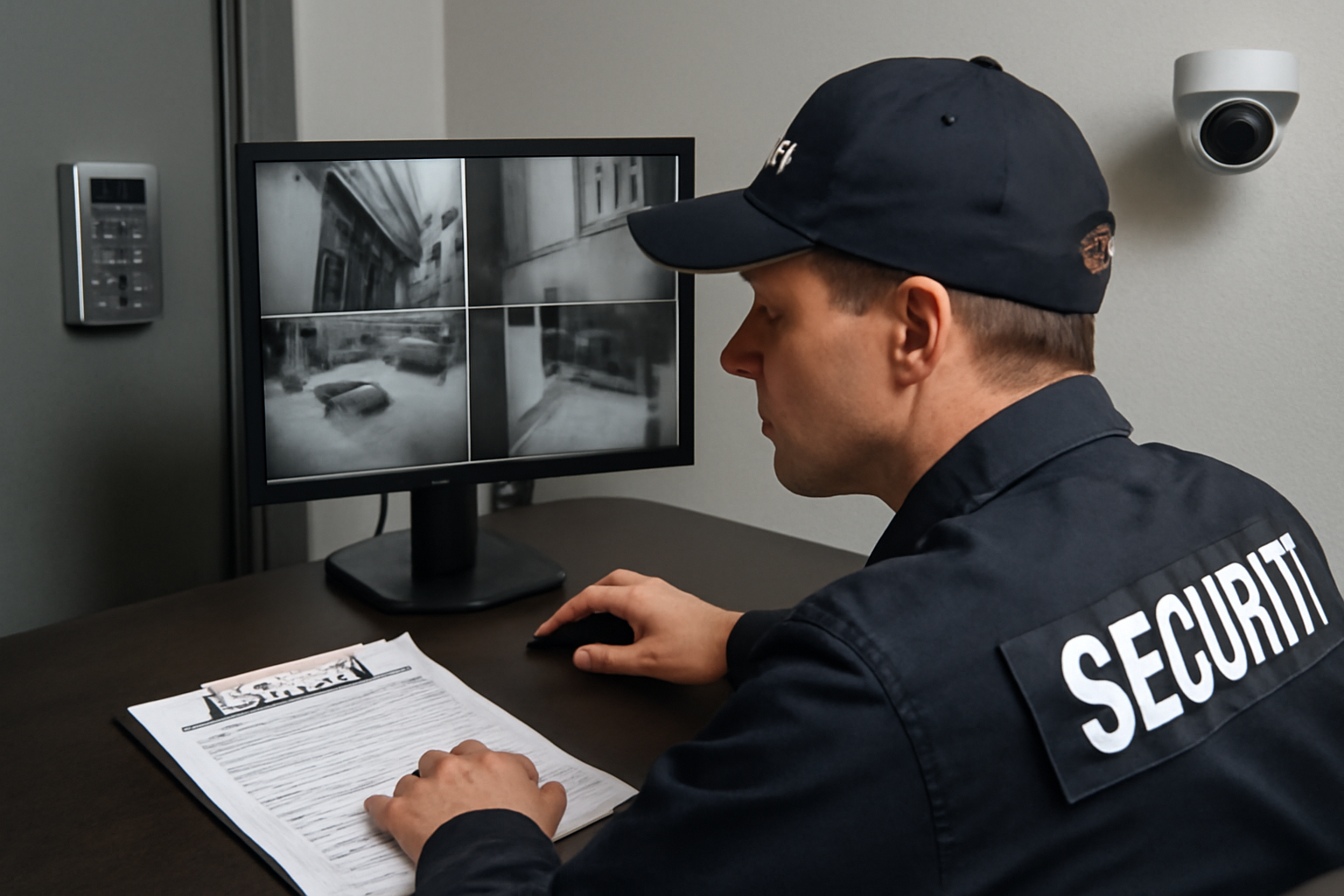
How Physical and Electronic Security Work Together
Security isn’t just about guards or cameras—it’s both. When physical and electronic systems work together, the site stays safer. This article breaks down the basics so you can use both tools better on the job.
What Is Physical Security?
Physical security includes anything you can touch or see that protects people or property. This means:
- Locks and doors
- Fences and gates
- Security guards like you
- Lighting, barriers, and patrol routes
These tools stop or slow down intruders and protect against damage or theft.
What Is Electronic Security?
Electronic security uses technology to support physical security. Common examples include:
- CCTV cameras
- Alarm systems
- Access control (keycards, fobs, PINs)
- Motion sensors
- Remote monitoring systems
These tools help you spot problems faster and respond more effectively.
How They Work Together
When you combine both types, you get stronger protection. Here’s how:
- Deterrence: Cameras and guards both scare off would-be intruders.
- Detection: Sensors or alarms alert you to trouble. Guards confirm and respond.
- Response: Guards act on alerts, check camera feeds, and take action.
- Documentation: Cameras record incidents. You write reports. Together, they tell the full story.
Example: Door Access Control
Let’s say your post has a locked door with keycard access. Here’s how both systems help:
- The electronic system only lets in workers with valid cards.
- You monitor who comes in and watch for tailgating (someone sneaking in behind).
- If someone forces the door, alarms go off, and you respond.
Neither system works well alone. But together, they stop unauthorized entry and alert you fast.
Shift Checklist: Using Both Systems
Use this checklist to stay sharp during your shift:
- ✔ Walk your patrol route and check all physical barriers (locks, gates, doors)
- ✔ Test radio and flashlight
- ✔ Check that all cameras are online
- ✔ Review access logs or alarms from last shift
- ✔ Know the location of panic buttons or emergency shutoffs
- ✔ Report any damaged equipment right away
Quick Scenario
You’re on patrol at a warehouse. A motion sensor triggers an alert on your tablet. You check the camera feed and see movement near the loading dock. You radio for backup and go to check it out. It turns out to be a stray animal. You log the incident and reset the alarm.
Takeaway: The system helped spot something early. You confirmed it in person. That’s teamwork between tech and human response.
3-Question FAQ
1. What if the cameras go down?
Follow site policy. Increase patrols and report the issue to your supervisor or tech support. Never ignore equipment failure.
2. Can I rely only on alarms?
No. Alarms can miss things or give false alerts. Always verify with your own checks. Use both systems together.
3. Do I need to know how the tech works?
You don’t need to be an expert, but you should know the basics—how to read alerts, check logs, and report problems. Ask for training if needed.
Action Takeaway
Each shift, check both physical and electronic systems. Don’t just walk the site—check the screens, read the logs, and test alarms. Use all tools available to keep the property safe. Remember: tech supports you, not the other way around.

