
Identifying Suspicious Behavior on Camera
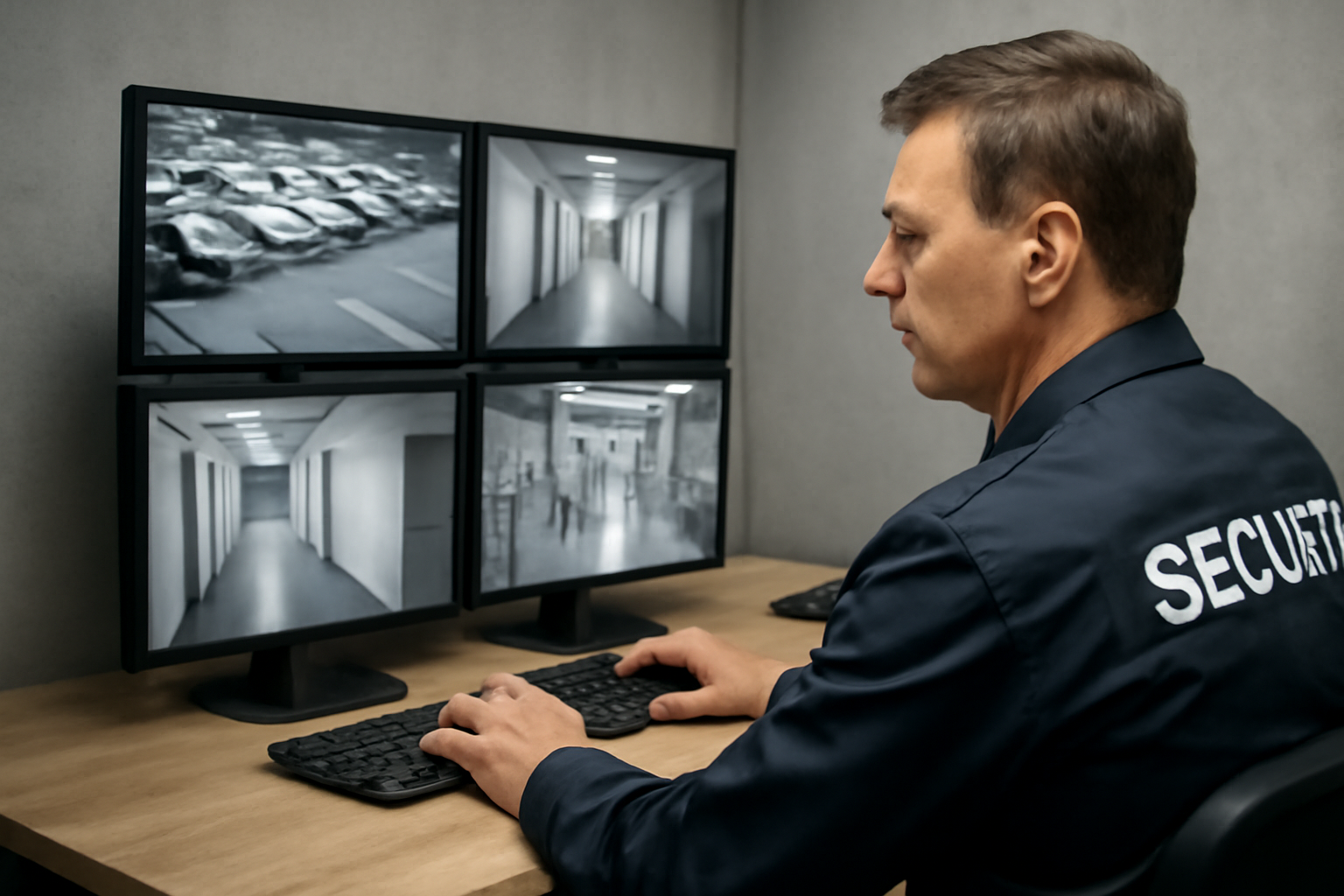
As a security officer, one of your key responsibilities is watching camera feeds. Knowing what to look for can help stop problems before they happen. This guide will help you spot suspicious behavior using clear signs and real-world examples.
Why Suspicious Behavior Matters
Not every person on camera is a threat. But some actions may lead to theft, vandalism, or violence. Spotting these early lets you act fast and prevent harm. Cameras can’t stop a crime—but you can, if you know what to watch for.
Common Signs of Suspicious Behavior
Look for actions that are out of place for the setting. Here are some key signs:
- Loitering: Someone hangs around with no clear reason, especially near exits, storage areas, or cash registers.
- Repeated glancing: Constantly looking around, especially at cameras, staff, or entrances.
- Oversized clothing: Wearing heavy coats, hoodies, or bags in warm weather or indoors.
- Unusual walking patterns: Walking back and forth, circling displays, or stopping suddenly when others pass by.
- Covering face: Hats pulled low, sunglasses indoors, or masks when not required.
- Unusual grouping: People working together but splitting up, then regrouping.
- Quick hand movements: Grabbing items and stuffing them into bags or pockets.
Behavior vs Appearance
Focus on what people do, not how they look. Suspicious behavior is about actions, not clothing style, race, or age. Stay professional and fair. Always follow site policy and local law when responding.
Using Patterns to Spot Trouble
Many threats follow patterns. Watch for:
- Testing boundaries: Someone tries locked doors or enters off-limits areas.
- Timing: People show up just before closing or during shift changes.
- Distractions: One person asks for help while another moves in another area.
- Return visits: The same person comes back often but doesn’t buy anything or has no clear purpose.
Quick Scenario
You’re watching the lobby camera. A man enters wearing a large coat on a warm day. He walks slowly, looking side to side. He stops near the elevators, checks his phone, then walks toward the employee-only hallway.
What should you do?
- Note the time and camera number.
- Zoom in if your system allows.
- Alert on-site staff or call for backup if needed.
- Follow your site’s policy for suspicious persons.
Shift Checklist: Watching Cameras
- ✅ Check all camera feeds are working.
- ✅ Know your high-risk areas (cash rooms, exits, blind spots).
- ✅ Keep a log of anything unusual: time, location, and details.
- ✅ Watch for patterns, not just single actions.
- ✅ Stay alert—take turns if working long shifts.
- ✅ Review last shift’s notes or reports.
3 Common Questions
1. What if I’m not sure something is suspicious?
Trust your gut, but stay calm. Log the activity and notify your supervisor if needed. It’s better to report early than too late.
2. Can I confront someone based on camera footage?
Only if your site policy allows it and you’re trained to do so. Often, it’s best to inform a supervisor or patrol staff.
3. How long should I watch someone before acting?
If behavior clearly breaks policy or looks dangerous, act fast. If unsure, monitor and document. Follow your site’s procedures.
Takeaway: Watch Behavior, Not Just People
Good surveillance starts with knowing what to look for. Focus on actions, not appearances. Use your training, trust your instincts, and always follow site policy and local law. The more you practice spotting patterns, the faster you’ll respond when it counts.

