
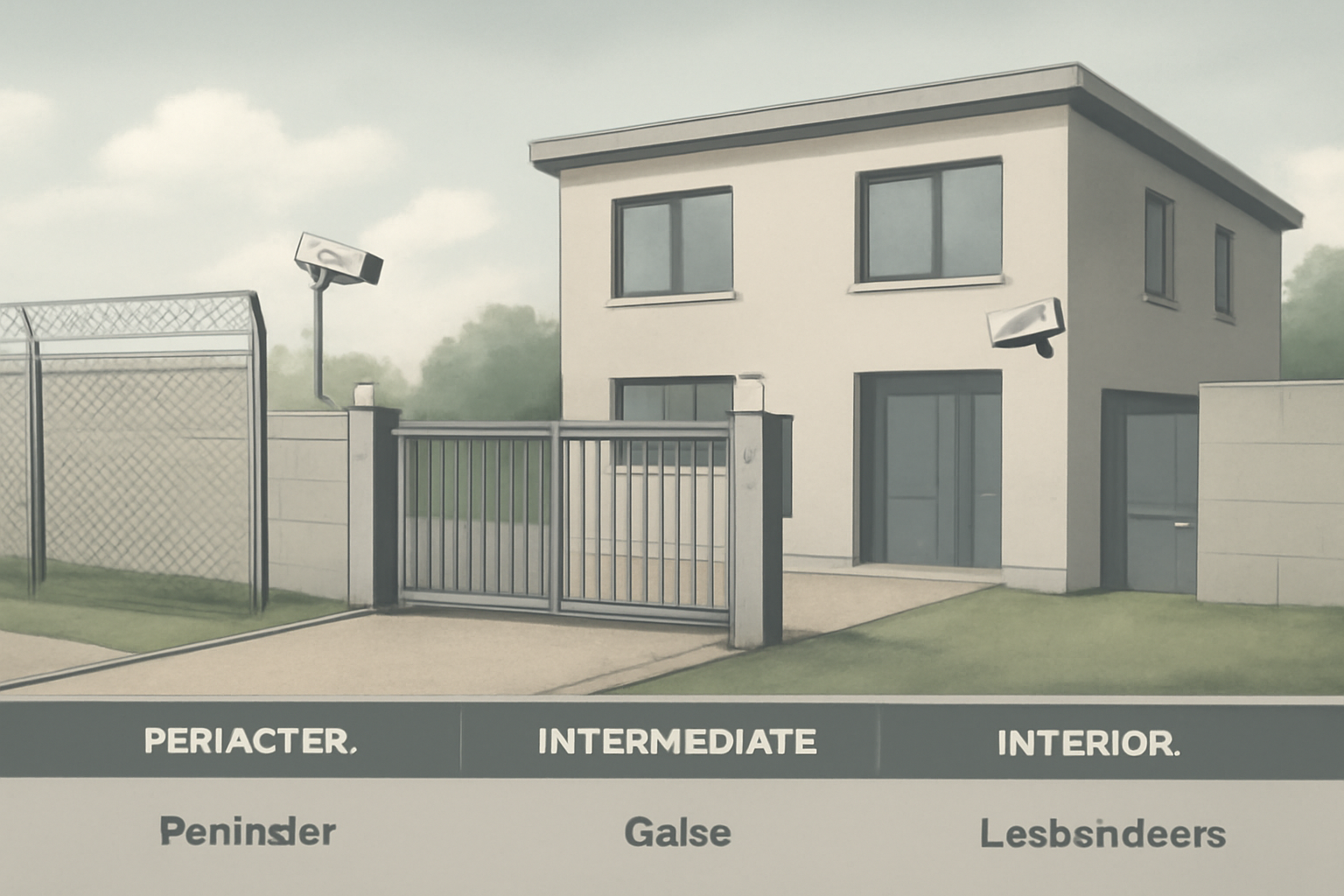
Layers of Physical Security
As a security guard, your job is to protect people and property. One of the best ways to do this is by understanding the three layers of physical security: perimeter, intermediate, and interior. Each layer plays a role in stopping threats before they reach their target.
Why Layers Matter
Think of security like an onion. Each layer adds protection. If someone gets past one layer, the next one slows them down or stops them. This gives you more time to respond and more chances to detect the threat.
1. Perimeter Security
The perimeter is the outermost layer. It marks where the property begins. Your job at this layer is to deter and detect people before they even get close.
- Fences and gates
- Warning signs (“Private Property,” “No Trespassing”)
- Security lights
- Perimeter alarms
- Patrol routes along fences or walls
Check for damage in fences, open gates, or broken lights. These are weak spots. Fix them fast or report them.
2. Intermediate Security
This layer is between the fence and the building. Here, you slow down or screen people before they reach the main area.
- Guard booths and vehicle checkpoints
- Security cameras (CCTV)
- Access control points (badge readers, keypads)
- Visitor sign-in desks
- Parking lot patrols
This is where most people try to sneak in. Stay alert. Watch for tailgating (when someone follows a cleared person through a door). Always follow site policy and local law when stopping someone.
3. Interior Security
This layer protects the most sensitive areas—offices, equipment rooms, or storage areas. If someone reaches here, they’ve already bypassed the first two layers.
- Locked doors and restricted rooms
- Internal alarms and motion sensors
- Employee ID checks
- Security patrols inside the building
Be alert for propped-open doors, broken locks, or unknown people in restricted zones. These are serious red flags. Act quickly and report them.
Quick Scenario
Situation: You’re patrolling the perimeter fence at night. You spot a section where the fence is cut and pushed open.
What you do:
- Stop and observe from a safe distance.
- Call your supervisor or dispatch right away.
- Do not enter the breach alone unless trained and cleared to do so.
- Secure the area and wait for backup or law enforcement.
Why it matters: That breach could be a real threat. Your fast action protects the inner layers and buys time for a proper response.
Shift Checklist
Use this checklist to make sure each layer is secure during your shift:
Perimeter
- Fences and gates locked and undamaged
- All lights working
- Warning signs in place
- No suspicious activity outside boundaries
Intermediate
- Cameras and badge readers working
- Gate arms or doors operate properly
- Visitors logged and escorted if needed
- Watch for tailgating or unauthorized access
Interior
- Doors and locks in good condition
- Alarms armed as required
- Check restricted areas for unauthorized people
- Report any broken equipment or odd behavior
3 Quick FAQs
Q1: What’s the most important layer?
All layers matter. If one fails, the others help stop the threat. But stopping problems early—at the perimeter—is best.
Q2: What if I spot a weak point but don’t have the tools to fix it?
Report it right away. Use your radio or log it. Don’t ignore it. A weak point today could be a breach tomorrow.
Q3: Can I stop someone trying to enter without ID?
Follow your site’s policy and local law. Usually, you can deny access and call your supervisor. Stay calm and professional.
Take Action Now
Before your next shift, walk your post with fresh eyes. Look at each layer—perimeter, intermediate, and interior. Use the checklist above. Fix what you can. Report what you can’t. Stay alert. Every layer you protect buys time and saves lives.
“Security is built in layers. Your eyes and actions are the first line of defense.”

